As an Amazon Associate, we earn from qualifying purchases. Some links may be affiliate links at no extra cost to you. Although our opinions are based on curated research, we haven't used these products. Articles generated with AI.

How To Set Up Korean Mobile Phone?

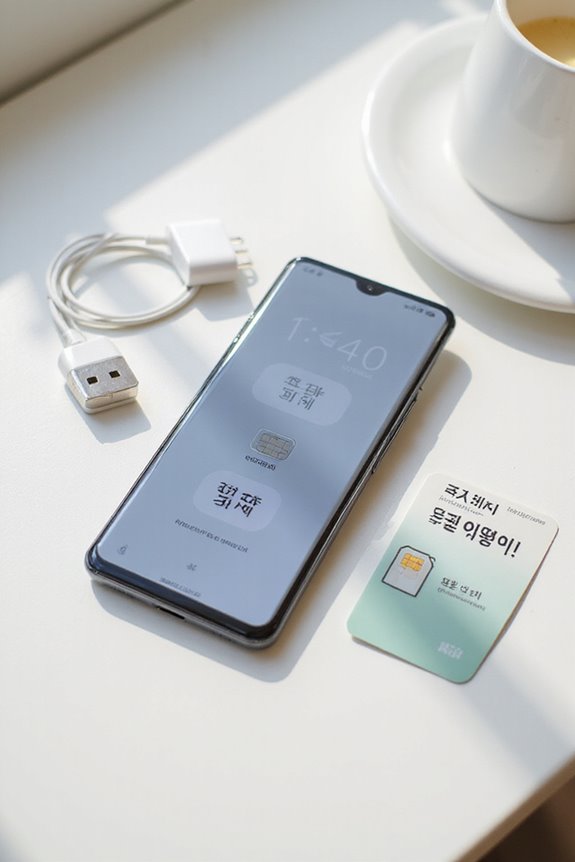
To set up a Korean mobile phone, we need to gather essential documents such as our passport and proof of entry. Choosing between a prepaid SIM, ideal for short visits, or a monthly plan, suited for longer stays, is important. We must verify our device is compatible with local networks, then activate our SIM card, which usually takes about 20 minutes. After that, we should configure internet settings and monitor our data usage to avoid extra charges. There’s more to take into account, including troubleshooting and support options.
Key Takeaways
- Ensure you have required documents like your passport and proof of entry for a smooth mobile setup process.
- Choose between a prepaid SIM for short stays or a monthly plan for long-term use based on your data needs.
- Confirm your phone’s compatibility with Korean networks, checking for carrier locks and frequency bands.
- Activate your SIM card by completing any necessary pre-activation steps and collecting it during business hours.
- Configure internet access by enabling mobile data in your settings and monitoring your usage through the carrier’s app.
Required Documents for Mobile Setup
You may be interested

How To Choose Korean Electronics?
September 16, 2025
How To Choose Korean Mobile Accessories?
September 16, 2025
How To Install Korean Mobile Apps?
September 16, 2025
When setting up a mobile phone in Korea, having the required documents ready is essential for a smooth process. First, we need to guarantee we have our passport on hand; this is a primary identification document. Additionally, we must provide proof of entry, such as an arrival slip, to confirm our recent arrival in the country. Unlike monthly plans, which require a residence card, prepaid SIM setups don’t necessitate residency proof or a Korean bank account. We can easily purchase prepaid SIM cards at various locations, including airports, mobile stores, and online platforms. Guaranteeing we have these documents will streamline our experience, allowing us to stay connected without unnecessary delays.
Choosing Between Prepaid SIM and Monthly Plans
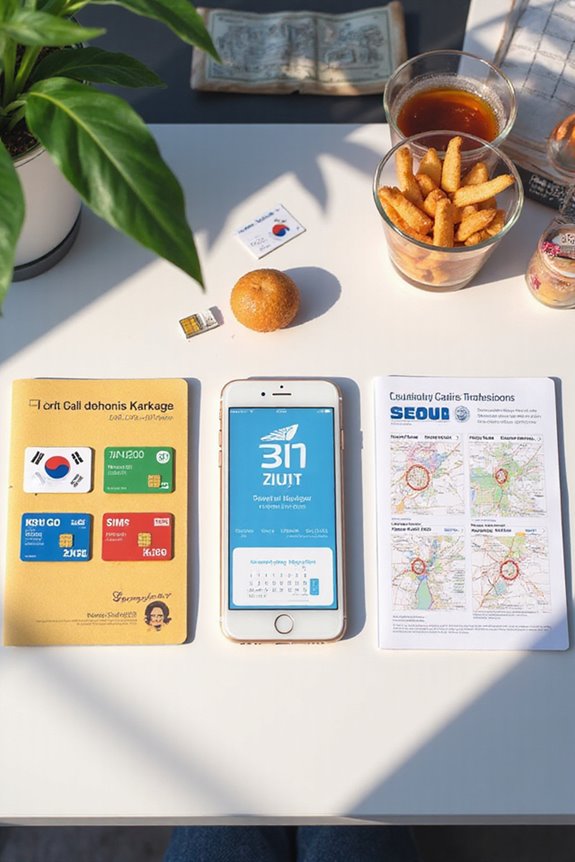
After ensuring we have the necessary documents for setting up our mobile phone in Korea, the next step is deciding between prepaid SIM cards and monthly plans. Prepaid SIMs are excellent for short-term visitors, providing a pay-as-you-go model without contracts. However, they can be costly, especially from major carriers. In contrast, monthly postpaid plans cater to long-term residents, offering bulk data at competitive rates. For those on a budget, MVNO options like Chingu Mobile provide substantial savings with similar data allowances. Ultimately, the choice will depend on our stay’s length and usage needs. A careful cost comparison between options helps us align our user preferences with our mobile data requirements effectively.
Recommended Products

Good for 15 days of use 5GB of 5G/4G LTE high-speed Internet Data.

Includes two US Mobile SIM cards, one for the Warp Network and one for the Dark Star Network.
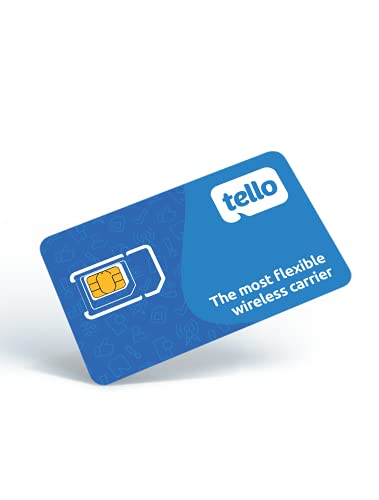
NO CONTRACT: Pay $5 - $25/month for a fully customizable phone plan - choose your talk, text, and data with no strings attached; upgrade, downgrade or cancel your plan anytime with no penalties
Ensuring Phone Compatibility
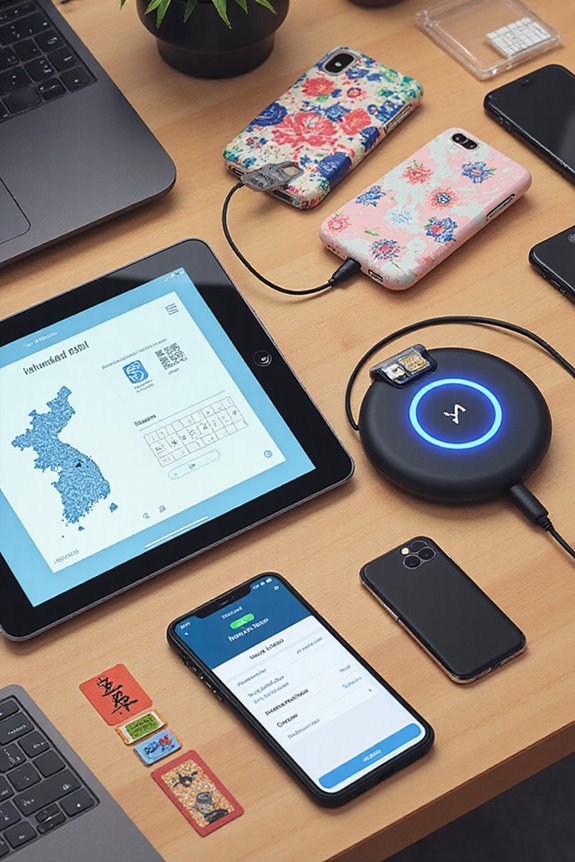
To connect to Korean mobile networks, we must first confirm that our phones are compatible, which involves several critical checks. First, our devices need to be released; locked phones typically can’t accept international SIM cards. We should consult our carrier to guarantee our phone models are released and ready for use. Next, we must verify that our phones include a SIM card slot, as some U.S. devices lack this feature due to CDMA technology. It’s also essential to check frequency compatibility, particularly for LTE bands 3, 8, and 26 used in Korea. Finally, modern smartphones, like the Apple iPhone 5c and Samsung Galaxy models, generally meet the necessary network requirements for seamless integration into Korean mobile networks.
Recommended Products

Blazing-fast Qualcomm performance. Get the speed you need for great entertainment with a Snapdragon 680 processor and 4GB**** of RAM.

Please note, this device does not support E-SIM; This 4G model is compatible with all GSM networks worldwide outside of the U.S. In the US, ONLY compatible with T-Mobile and their MVNO's (Metro and Standup, but is necessary record the IMEI). It will NOT work with Verizon, Spectrum, AT&T, Total Wireless, other CDMA carriers, it is also NOT compatible with their MVNO (Visible, Xfinity Mobile, US Mobile, Cricket Wireless, etc). Please contact the seller for more information about carrier compatibility.
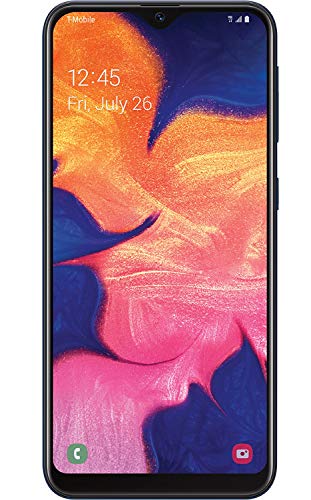
Display: 5.83 inches PLS TFT capacitive touchscreen, Resolution: 720 x 1560 pixels
Activating Your SIM Card
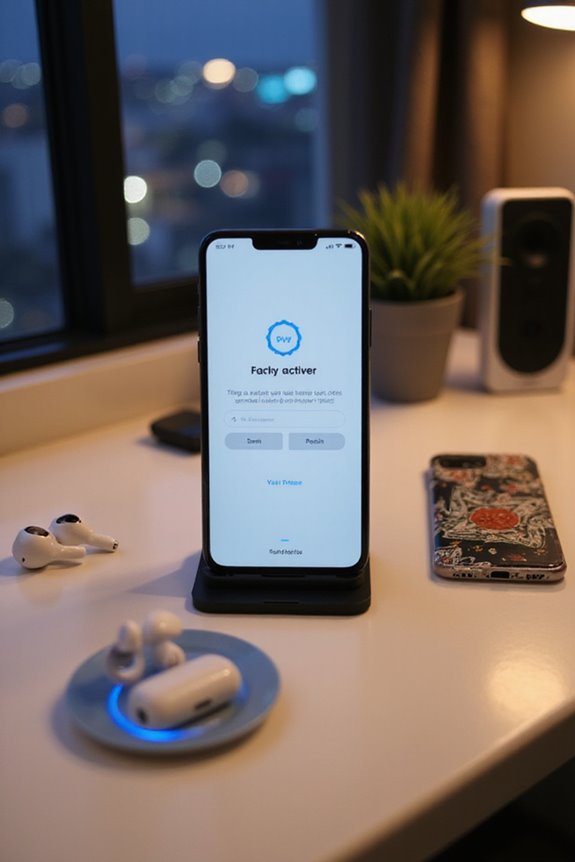
Activating a SIM card is an essential step when we arrive in Korea, and it involves a few important procedures to secure proper connectivity. First, we must complete pre-activation steps, which may involve uploading our passport for some services. If we opted for pre-activation, we could enjoy a smooth experience. However, if we pick up the SIM card at the airport, we should make sure it’s during business hours, typically between 10 AM and 7 PM, to avoid delays. Activation usually takes around 20 minutes, and it’s critical to notify our provider at least two days in advance of any travel changes. Confirmation of the SIM card activation will arrive via email, providing peace of mind that we’re connected.
Configuring Internet and Data Access
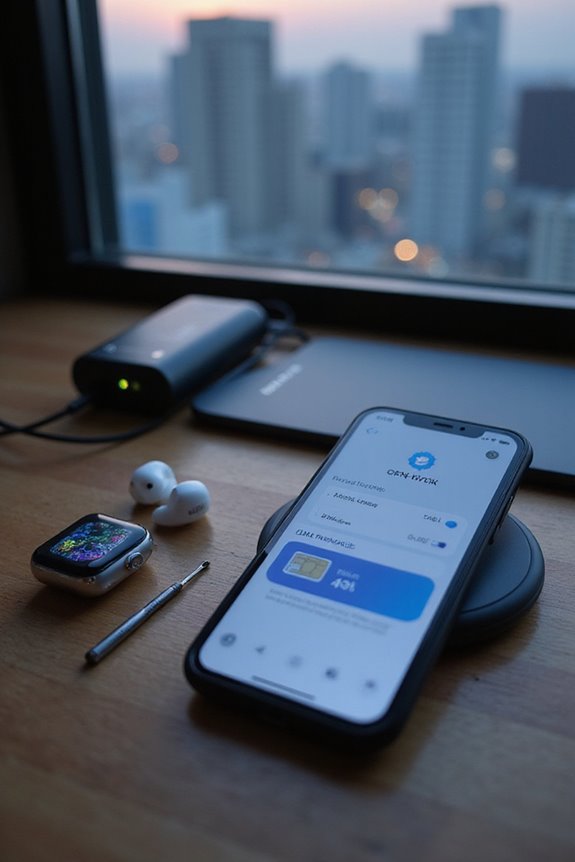
Once we have our SIM card activated, configuring internet and data access becomes our next priority to guarantee we’re fully connected during our stay in Korea. First, we need to enable mobile data in our phone settings, often found under “Cellular” or “Network” options. Selecting our carrier should be easy since it usually auto-selects, ensuring access to SK Telecom, KT, or LG U+. We should carefully choose a data plan that matches our usage; for instance, heavy users streaming video might consume 1GB per hour. To avoid unexpected charges, we can utilize carrier apps for data monitoring, preventing us from exceeding our limits while ensuring we enjoy excellent internet speed without interruption. Restarting our device can help apply the new settings effectively.
Recommended Products

Please note, this device does not support E-SIM; This 4G model is compatible with all GSM networks worldwide outside of the U.S. In the US, ONLY compatible with T-Mobile and their MVNO's (Metro and Standup). It will NOT work with Verizon, Spectrum, AT&T, Total Wireless, other CDMA carriers, it is also not compatible with their MVNO (Visible, Xfinity Mobile, US Mobile, Cricket Wireless, etc).

Please note, this device does not support E-SIM; This 4G model is compatible with all GSM networks worldwide outside of the U.S. In the US, ONLY compatible with T-Mobile and their MVNO's (Metro and Standup). It will NOT work with other CDMA carriers, and it is also not compatible with their MVNO (Visible, Xfinity Mobile, US Mobile, Cricket Wireless, etc).

Please note, this device does not support E-SIM; This 4G model is compatible with all GSM networks worldwide outside of the U.S. In the US, ONLY compatible with T-Mobile and their MVNO's (Metro and Standup). It will NOT work with other CDMA carriers, and it is also not compatible with their MVNO (Visible, Xfinity Mobile, US Mobile, Cricket Wireless, etc).
Understanding APN Settings
Understanding APN settings is essential for establishing a reliable connection to mobile data services. The Access Point Name, or APN, is fundamental in enabling our devices to connect to a carrier’s network. Each carrier has specific APN configurations that include details like the carrier name, APN, and sometimes a username and password. For instance, KT’s APN is `lte.ktfwing.com`, while SK uses `lte.sktelecom.com`. Incorrectly entering these settings can lead to connectivity issues, so it’s important to follow the carrier specifications closely. Additionally, variations may occur between devices, particularly between Android and iOS. By ensuring accurate APN settings, we can optimize our internet access and enhance our overall mobile experience.
Recommended Products
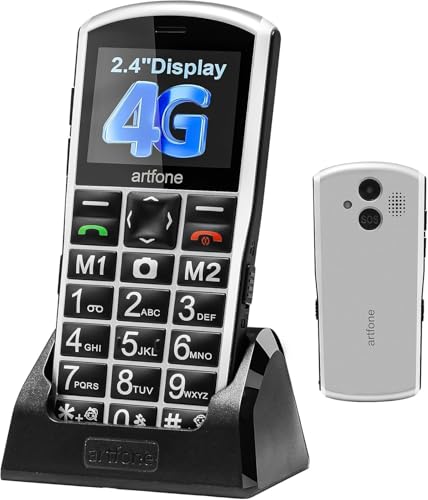
【Carrier Compatibility】】Supports 2G/3G/4G LTE networks, allowing you to stay connected wherever you go, compatible with T-mobile (highly recommended) and it's virtual operators ONLY, including US Mobile,Straight Talk,Metro PCS,Panda, Tello Mobile, Ultra Mobile, SpeedTalk,Simple Mobile,Red Pocket(GSMT) and any other carriers that using T-Mobile service; NOT for CDMA Carriers (Verizon, Boost, PagePlus) and AT&T. If you have questions about carrier compatibility before purchase, please contact us

【2025 Smartphone Available Frequency 】Make sure your SIM card is compatible with the following frequencies: GSM 850/900/1800/1900; 3G WCDMA/B1/B2/B5/B8.

【Unlocked Flip Phone, Universal 4G LTE Network Compatibility】This 4G mobile phone is unlocked and compatible with most of US carriers, including T-Mobile, AT&T and their MVNOs (Metro by T-Mobile, US Mobile, Cricket Wireless, Mint, Boost Mobile, Google Fi, H2O, Red Pocket, Straight Talk). Not Support Verizon and its MVNO. Not compatible with locked SIM cards (Support Single Nano SIM Card)
Troubleshooting Common Issues
When we encounter issues with our Korean mobile phones, it’s important to address them systematically to restore functionality effectively. Overheating issues can stem from running multiple apps simultaneously or using demanding applications. To mitigate this risk, we should limit heavy app usage and guarantee our software is up-to-date. When it comes to battery life, we can monitor which apps are draining our power, adjusting settings like screen brightness to save energy. It’s beneficial to clean the charging port regularly to avoid charging problems. If we experience persistent issues, resetting our device occasionally can optimize overall performance. By taking these steps, we can guarantee our devices operate efficiently, enhancing our mobile experience.
Recommended Products

CLEAN & REPAIR CHARGING PORT - Compatible with iPhone cleaning kit tool won't get stuck inside and is easy to plug and use. Use the port pick, U-shaped brushes, and port brushes to clean the dirt out of your Phone, Pad, and Type-c port, and keep your phone looking brand new. Charging port cleaners can effectively clean lint, hair, fluff, and dust from your personal device ports

PRO-LEVEL CLEAN FOR HARD-TO-REACH AREAS – Dust and lint hide deep inside charging ports, speaker grills, and earbuds. This cleaning putty and phone cleaning kit removes debris and earwax from devices safely.
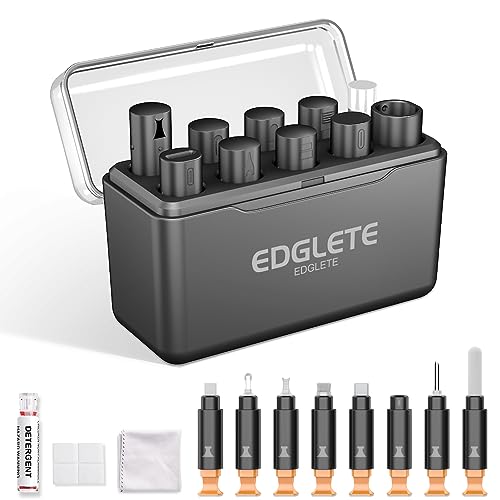
Iphone Cleaning Kit For Charging Port - The port hook, steel "U" brush and port wipe in the iPhone cleaning kit effectively clean compatible with iPhone, Android, iPad and tablet USB C port! Easily clean stains, hair, dust, fuzz, rust, oxidization and other contaminants from charging ports. Extend the life of your cell phone and electronic devices with our iPhone charging port cleaning tool
Accessing Customer Support
Accessing customer support for our Korean mobile phones is straightforward, as various channels exist to address our needs effectively. Major providers like SK Telecom and KT offer dedicated customer service call centers for foreigners, ensuring we receive assistance in our preferred languages. These centers might provide language assistance, including multilingual support via volunteer translation services. We can reach out via phone, email, or live chat; however, live chat often provides quicker resolutions. When contacting providers, we should verify their official websites and contact details to avoid scams. Additionally, knowing how to dial correctly from abroad is essential; for example, we use 011 + 82 + local number to connect to customer service when calling from outside Korea.
Exploring Public Wi-Fi Options
How can we efficiently explore public Wi-Fi options in South Korea? Public Wi-Fi is widely available, especially in urban areas and public venues like cafes, malls, and transportation hubs. Generally, we can expect fast data speeds, often rivaling those of home networks. While accessing public Wi-Fi, we must take significant safety measures to protect our data. Using a Virtual Private Network (VPN) is vital for ensuring secure connections. Additionally, we should avoid transmitting sensitive information over open networks, and utilize strong passwords along with two-factor authentication wherever possible. By being aware of these best practices, we can seamlessly navigate unfamiliar environments, make secure online transactions, and enjoy all the benefits of public Wi-Fi while remaining protected.
Frequently Asked Questions
How Can I Check My Mobile Data Usage in Korea?
To check our mobile data usage in Korea, we can easily use our phone settings for usage tracking or download our carrier’s app. This way, we stay informed about our mobile data consumption and avoid overages.
Can I Use My Korean SIM Card in Other Countries?
We can’t just waltz through international borders with our Korean SIM cards expecting seamless roaming services! Unfortunately, their international compatibility is practically nonexistent. For reliable connections abroad, we should consider local SIM cards instead.
What Should I Do if My SIM Card Is Lost or Stolen?
If we lose our SIM card, let’s report the theft immediately to SK Telecom and start the process of replacing the SIM. Monitoring our accounts is essential to prevent unauthorized access.
Are There Additional Charges for International Calls With a Korean SIM?
Yes, there are additional charges for international calls with Korean SIM cards, depending on destination. We should explore various SIM card options to find the best plan that suits our international call rate needs.
How Do I Cancel My Monthly Mobile Plan in Korea?
To cancel our monthly mobile plan in Korea, we should check the cancellation policies and contact customer service at our provider. Visiting their store or calling them can help simplify the process and answer our questions.